The 10 a.m. Pacific Window for iOS 27

Apple has named September 14 for iOS 27. The more useful answer explains the likely release window, the date-line wrinkle, and why a compatible phone can still need a little patience.
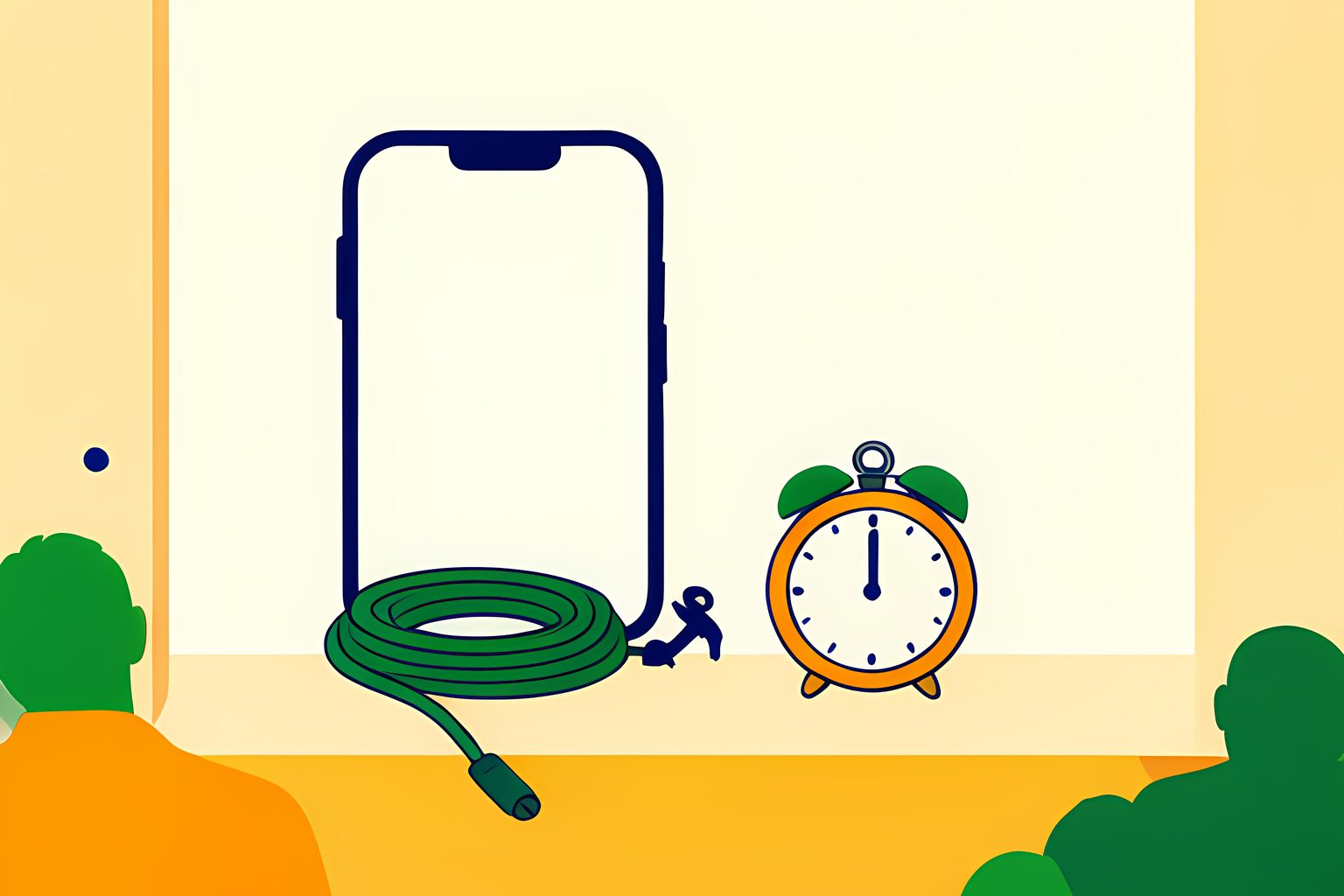
A software-update badge is a tiny square with an outsized talent for making a Monday feel scheduled. I like the small ritual of checking it, but I do not think a release date should turn a perfectly good afternoon into a race against a spinning wheel. For iOS 27, the firm answer is Monday, September 14, 2026. The clock attached to that answer deserves a little more care.
Apple says iOS 27 is available starting September 14, and its iPhone 18 Pro announcement calls it a free software update on that Monday. Apple does not put a universal hour in that announcement. MacRumors, looking at past rollouts and regional Apple pages, expects a window around 10 a.m. Pacific time, which is 1 p.m. Eastern on September 14. That is a well-supported expectation, not an Apple promise stamped on a minute hand.
The release-day answer, without the false precision
- Confirmed date
- Monday, September 14, 2026, as a free update for compatible iPhones.
- Likely U.S. window
- Around 10 a.m. Pacific or 1 p.m. Eastern, based on past releases and regional Apple pages, not an official hourly promise.
- A different calendar date
- The same release window falls after midnight on September 15 in parts of Asia and Australia.
- If it is absent
- First separate availability, compatibility, internet access, storage, and the choice to install. They are different problems.
Apple gave the day, not a personal appointment
That distinction sounds fussy until the release button is missing. A calendar date tells us when Apple intends the public release to begin. It does not guarantee that every phone, network, or country sees the same screen at the same second. Apple itself says some features vary by language, region, and local law. Its feature-availability page is a long, useful reminder that one version number can carry different toolkits in different places.
The likely 10 a.m. Pacific rhythm is useful as a planning clue because it puts the U.S. rollout in the middle of the workday. It is not useful as a reason to treat 10:03 as evidence that anything is wrong. The time-zone conversion has one pleasing bit of calendar mischief: a person in California and a person in Singapore can be looking toward the same release while their calendars name different days. MacRumors lists September 15 for several Asia-Pacific time zones for precisely that reason.
Compatible does not mean every headline feature arrives with it
The base update has a broad reach. 9to5Mac and MacRumors both list the iPhone 11 family and second-generation iPhone SE among the supported older models, alongside newer phones. But a phone being eligible for iOS 27 is not the same claim as every promoted feature being eligible on that phone. Apple's App Store feature story says some of the most demanding additions require newer hardware and a supported device language.
This is where product pages can accidentally make readers feel shortchanged. A version number is one gate. Hardware, region, and language are other gates. We checked Apple's availability material because it is more candid than a single grand feature list: some tools are country-specific, some have language limits, and the new Siri service begins in English with additional languages scheduled for October. A successful installation can therefore be completely real even if one much-advertised button is not there.
| What you are trying to learn | The page to use | The answer it can give |
|---|---|---|
| Has the release begun? | Settings > General > Software Update | Whether your phone currently sees an available version |
| Can my model run the base version? | A current compatible-device list | Whether the operating system itself supports that iPhone |
| Will a particular extra work here? | Apple's feature-availability page | Whether hardware, region, and language allow that feature |
| Why did installation stall? | Apple Support's update troubleshooting | Whether storage, power, connection, or the download is the likely blocker |
If the update does not appear, start with the boring checks
The satisfying answer is usually not secret staging or a hidden menu. Apple Support says an iPhone needs compatible hardware, power, an internet connection, and enough available storage to update. A VPN or proxy can also prevent the phone from reaching update servers. Those checks lack drama, which is exactly why they are good. They let you rule out the ordinary causes before deciding the release has skipped you.
For a manual check, Apple directs people to Settings, General, and Software Update, after backing up the device and connecting it to power and Wi-Fi. If the update screen is still stubborn, the company's troubleshooting page suggests trying another network and, when needed, updating through a Mac or Windows computer. I would not clear space or delete a downloaded update just because the hour has arrived. Check the on-screen message first. It is usually more informative than release-day folklore.
The download, the installation, and the restart have separate lives
Even after a phone finds iOS 27, it may download it in the background and wait for an installation choice. Apple documents separate controls for automatically downloading an update and automatically installing one overnight while the phone is charging and on Wi-Fi. The phone can also receive system-file updates that improve features without changing the version number. A home screen that looks unchanged can still have had a busy night.
That is the durable lesson after September 14 has faded from the calendar. Release day is not one event that happens to every owner in the same fashion. It is a chain: Apple makes a version available, a phone detects it, the owner or an automatic setting downloads it, and an installation finishes when conditions suit. Once I see that chain, the calm choice becomes obvious. Check once, make a backup, plug in, and let the tiny badge be small again.
Sources
Every factual claim above traces to one of these. Links open in a new tab.