Google Maps Coffee Results Change When You Change the Pin

A coffee search is tied to a location estimate, a search phrase, and a changing set of local information. Pin the neighborhood you mean, and the results become far easier to understand.
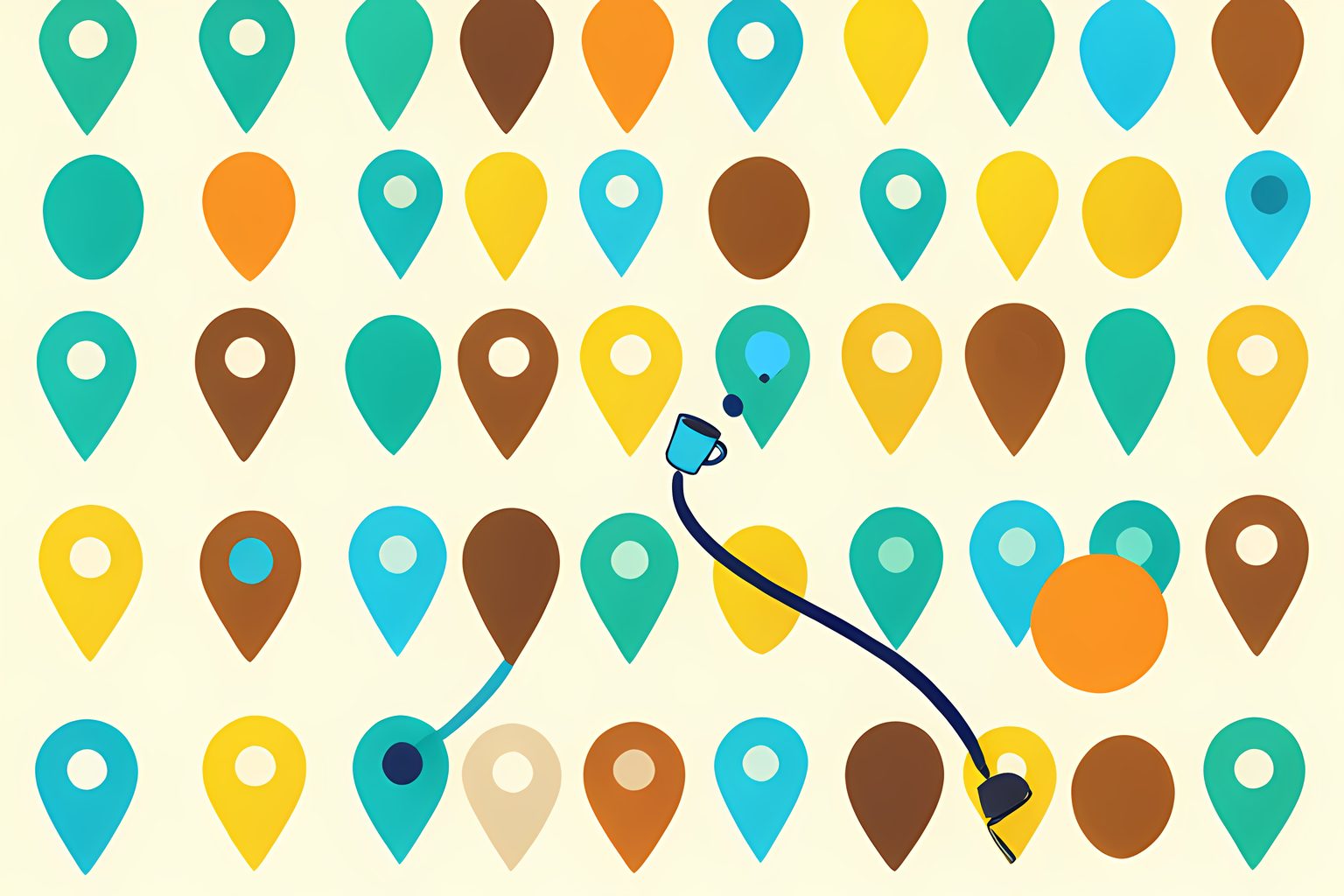
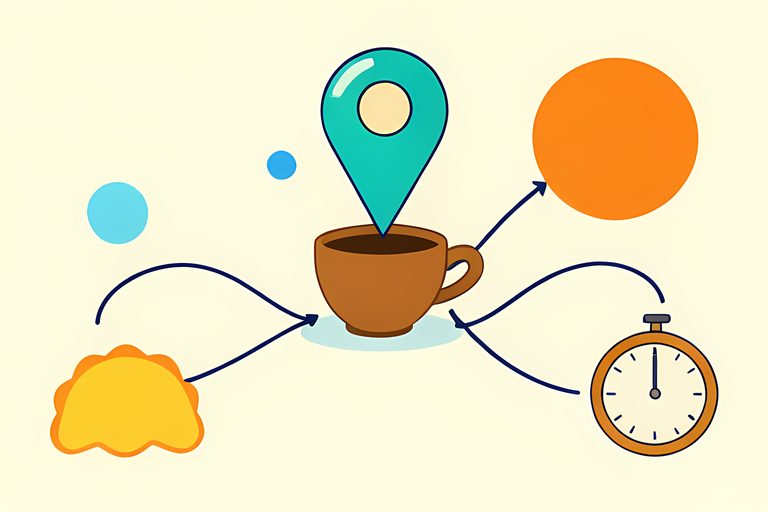
Move a map pin across town and the local coffee list can suddenly look like it belongs to a different city. That is not the map being fickle. I find it more useful to think of the results as an answer to a very particular question: coffee near which point, for which wording, using which current information? Change one part and the shortlist has every reason to change too.
Google says its local results combine relevance, distance, and prominence. Location is therefore not a decorative detail tucked behind the search. It is one of the inputs. I would not expect the same results when searching from a home address, a train platform, or a landmark chosen for a meeting, even with the identical words in the box.
The blue dot is an estimate, not a promise
Google's location help explains that Search and Maps can estimate where you are from several sources, including device location, account settings, and browser information. If precise location is available, it can improve a nearby query. If it is not, the system may work from a broader area or a previous location. Google also notes that a recent device location can be stored in a cookie for up to six hours to help Search respond quickly.
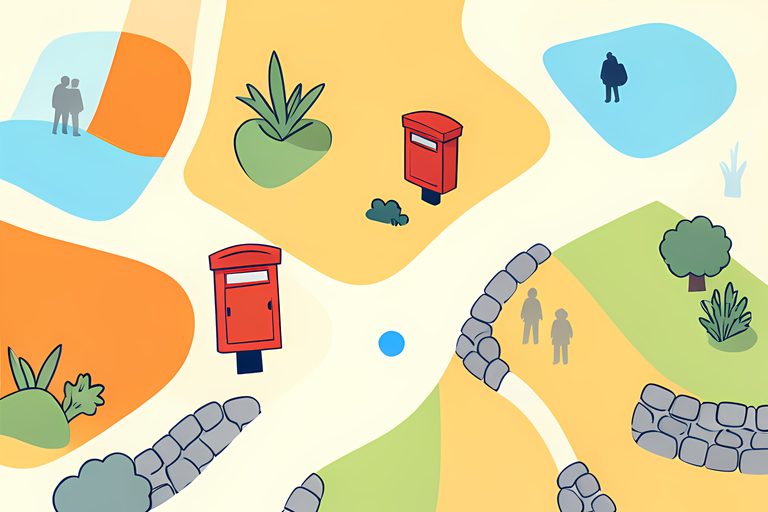
In Maps, the blue dot represents your location. A pale blue circle around it means there is uncertainty about where, within that circle, you may be. Tall buildings and other obstructions can complicate an estimate. That is enough to explain a surprisingly common coffee-search mystery: the shop you expected at the top may be close to the place your phone last understood, not the doorway you are facing.
Your search history can quietly color the shortlist
Maps says signed-in users can receive more detailed results, and that results may include places connected to earlier searches, saved locations, reviews, directions, or home and work addresses. This does not mean a familiar café has rigged the list. It means a local map can recognize context that a paper map never could. We get convenience, along with a reason to be deliberate when the destination matters.
Business information moves too
The pins are not frozen labels. Google says a business profile can draw on business-provided details, public web pages, licensed data, and user contributions such as photos and factual edits. A shop may adjust its hours, a menu link may appear, or a community member may flag a closure or move for review. Google cautions that some edits take time to publish. I treat a map as a living index, then check the business directly when a trip hinges on one detail.
Make the location explicit
The cleanest fix is wonderfully unglamorous: write the location you mean. Search `coffee near Union Station`, `coffee shops in 60622`, or `coffee near the north entrance of the park`, then inspect the map rather than relying only on a list. Google Maps documents nearby searches around a place or address, and Apple's Maps guide similarly supports searches by area, landmark, zip code, or a natural-language request such as cafés with free Wi-Fi. The method is not a secret feature. It is simply a clearer question.
Three ways to steady a local coffee search
- Choose the anchor
- Use the actual meeting point, transit stop, neighborhood, or zip code rather than a vague nearby search.
- Check the location signal
- Look at the blue dot and its accuracy circle before assuming the map has your exact position.
- Open the candidate
- Read current hours, website, and recent practical detail before setting out.
Rank is not a flavor note
A top result may be a famous, close, well-described, or heavily reviewed place. That does not tell you whether the coffee is the kind you enjoy. The Specialty Coffee Association defines specialty coffee through distinctive attributes and extra value, and notes that what people value can differ among people and markets. A map is good at finding a door. Taste still belongs to the person holding the cup.
Once you have found a place that suits you, save it with a useful personal note: quiet before noon, good for a quick pastry, or easy after the matinee. That is where search becomes a small local pleasure rather than a recurring puzzle. I think every neighborhood deserves at least one dependable little pin.
Sources
Every factual claim above traces to one of these. Links open in a new tab.
- Tips to improve your local ranking on Google
- Understand & manage your location when you search on Google
- Find & improve your location's accuracy in Google Maps
- Search locations on Google Maps
- Understand how Google sources & uses info in Business Profiles & local search results
- Mark a place reopened or closed on Google Maps
- Search for places in Maps on iPhone
- What is Specialty Coffee