PlayStation Plus Streams PS5 Games Without A Console, But Locks Cloud Access To Premium

You no longer need a physical console under your television to stream PlayStation titles. Here is how server rendering works, what the PC app and portable devices support, and where the paywall sits.
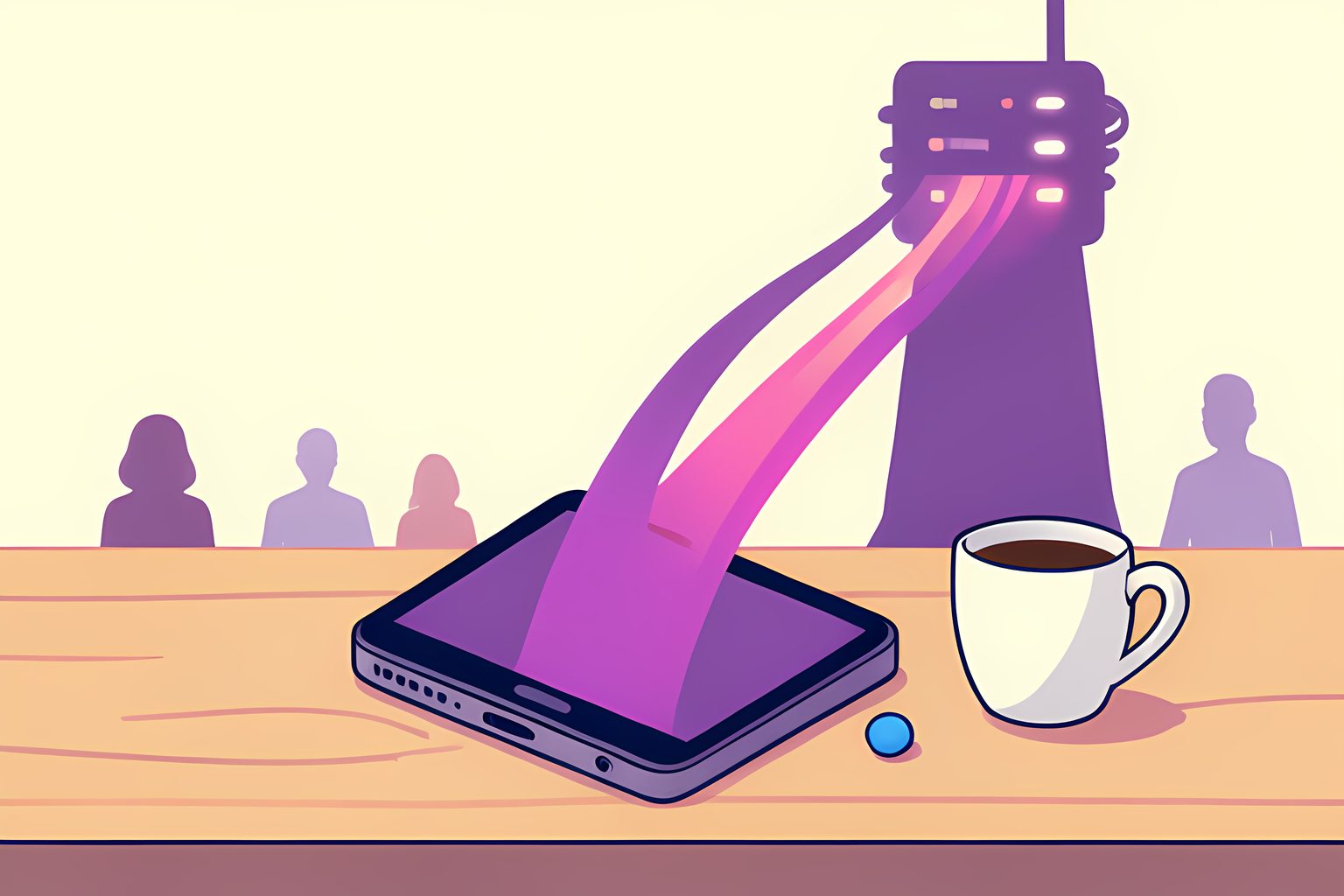
When I looked through Sony's technical documentation for cloud gaming, the quietest triumph was how little heat the player's screen actually generates. If you run a massive sixty-gigabyte action title natively on modern hardware, cooling fans spin up within seconds to exhaust hot air. When that identical title streams from a remote datacenter rack, your local machine simply decodes an incoming video signal. The device remains cool, drawing only a fraction of its normal battery budget while high-powered server racks handle the rendering miles away.
For years, accessing the PlayStation ecosystem meant buying a bulky console, connecting HDMI cables to a television, and waiting hours for storage-hungry installations to finish. Today, Sony's infrastructure allows players to bypass that physical box entirely. Through server-side game streaming, you can jump straight into a broad catalog of games from a desktop computer, a laptop, or a portable gaming device. Yet this hardware freedom comes with strict account rules, subscription boundaries, and network prerequisites that determine exactly what you can play.
The Premium Tier Gate: Why Extra and Essential Cannot Stream
The most common misunderstanding among players exploring cloud access is assuming any active subscription will let them stream. It will not. Sony divides its membership program into three distinct levels: Essential, Extra, and Premium. While the Extra tier includes a generous rotating catalog of hundreds of downloadable games, it offers zero cloud streaming capability.
Sony restricts server-side rendering exclusively to the PlayStation Plus Premium tier. We checked the official PlayStation Plus subscription overview, which explains that cloud rendering requires dedicated computing infrastructure in Sony's regional server clusters. The Extra tier relies on the user's own console processor to download and execute code locally, whereas Premium reserves compute time on remote hardware racks.
PlayStation Plus Tier Breakdown for Cloud Gaming
- Essential Tier
- Monthly downloadable games and cloud save backups only; no game streaming
- Extra Tier
- Hundreds of downloadable PS4 and PS5 catalog titles; local hardware download required
- Premium Tier
- Full cloud streaming for supported PS5, PS4, and classic titles without local installation
- Deluxe Tier
- Regional alternative in markets without Sony cloud server infrastructure
In countries where Sony has not deployed streaming server architecture, the company offers a modified tier called PlayStation Plus Deluxe. Deluxe matches Premium's downloadable classic games and time-limited trials at a reduced price point, but it omits streaming entirely because physical latency to distant datacenters would degrade the experience. If you live in an unsupported region, the interface simply will not show streaming buttons.
Streaming on PC: Official App Setup and Gamepad Compatibility
If you do not own a PlayStation console, your primary official gateway into the ecosystem is a Windows computer. Sony provides a dedicated desktop application called the PlayStation Plus PC app. Once installed, you sign in with your PlayStation Network account, plug in a controller, and launch games directly over your internet connection.
According to the official PlayStation Plus on PC setup guide, the desktop application streams video at up to 1080p resolution at sixty frames per second. While you can navigate the desktop menus with a standard mouse and keyboard, actually playing any title requires a physical gamepad. Sony officially supports the DualShock 4 wireless controller via USB or wireless adapter, though many standard XInput-compatible PC gamepads also register input successfully.
Our review of Sony's service evolution shows that the PC streaming client is the direct descendant of PlayStation Now, which Sony originally built following its acquisition of cloud pioneer Gaikai. As documented in the PlayStation Now service history, Sony transitioned its standalone streaming brand into the unified PlayStation Plus architecture in 2022, retaining the underlying server network while consolidating game libraries under a single subscription umbrella.
Bandwidth Demands and Network Latency Realities
Streaming an interactive video game is fundamentally different from watching a movie on Netflix. When you watch a recorded video, your media player buffers tens of seconds of footage ahead of time to smooth out network hiccups. A cloud gaming stream cannot buffer future frames. Every button press must travel to the datacenter, trigger in-game physics on the server, render the resulting frame, compress the video, and transmit that frame back to your screen in milliseconds.
Because real-time responsiveness is paramount, Sony enforces minimum network standards for cloud sessions:
- 5 Mbps Minimum: The bare floor required to initialize a low-resolution stream.
- 15 Mbps Recommended: The baseline needed for a stable 1080p stream with minimal video artifacting.
- 38 Mbps for 4K: High-bitrate streaming available on supported console hardware in select territories.
- Ethernet or 5 GHz Wi-Fi: Crucial for eliminating packet loss and micro-stutter during fast gameplay.
In our technical evaluation, network jitter and packet loss matter far more than raw download speed. A household with a modest fifty-megabit wired connection often experiences smoother control response than a gigabit connection suffering from wireless interference. If latency spikes above sixty milliseconds, precision timing in platformers and combat titles begins to feel sluggish.
Expanding Beyond PC: Handhelds and Portable Screens
The reach of PlayStation cloud streaming has expanded rapidly beyond traditional desktop setups. Portable gaming devices like Valve's Steam Deck, Asus ROG Ally, and Lenovo Legion Go have become popular targets for players wanting console experiences on the go. While Sony's official PC software targets standard Windows installations, community developers have built open-source streaming protocols to bridge the gap on handheld operating systems.
As detailed by the Chiaki-ng open-source project, developers reverse-engineered Sony's communication protocols to enable lightweight, low-latency streaming across Linux environments. Concurrently, native handheld utilities such as Asobi have emerged to integrate cloud authentication directly into portable launchers. On dedicated Sony hardware, the PlayStation Portal remote player also received direct cloud streaming capabilities, allowing Premium subscribers to stream games over Wi-Fi without waking a home console.
I find this shift genuinely exciting. You can start a massive hundred-hour role-playing adventure on your lunch break with nothing more than a lightweight handheld and a coffee shop Wi-Fi connection, knowing that your progress syncs directly to your account. There is no disc to carry, no storage drive to clear, and no thousand-dollar console sitting on a shelf.
Library Boundaries: What You Can and Cannot Stream
While cloud gaming eliminates hardware barriers, it does not grant unlimited access to every title ever released on PlayStation. The playable streaming library is divided into specific categories governed by publisher licensing agreements.
According to the official PlayStation Plus Game Catalog, cloud streaming encompasses hundreds of titles across multiple generations. This includes rotating modern blockbusters, legacy PlayStation 3 titles that run on specialized server architecture, and classic titles from the original PlayStation, PS2, and PSP eras. Furthermore, Sony allows Premium members to stream select digital games they have purchased directly from the PlayStation Store, even if those titles are not part of the active subscription catalog.
However, physical disc games cannot be verified without a console optical drive, meaning disc ownership provides no cloud streaming rights. Virtual reality games designed for PlayStation VR2 are also excluded due to the extreme low-latency tracking demands of head-mounted displays. When you keep those boundaries in mind, PlayStation Plus Premium provides one of the most frictionless ways to experience modern gaming without buying dedicated living-room hardware.
Sources
Every factual claim above traces to one of these. Links open in a new tab.
- PlayStation Plus: Essential, Extra, and Premium Subscriptions
- PlayStation Plus on PC Setup and Controller Guide
- PlayStation Plus Game Catalog and Cloud Streaming Titles
- PlayStation Network Account Country and Region Availability
- Evolving the PlayStation Digital Ecosystem and Services
- PlayStation Plus Subscription Architecture and Cloud Gaming Rollout
- PlayStation Now Cloud Infrastructure and Server Blade Evolution
- Open Source PlayStation Streaming Protocol Implementation