Before a YouTube TV Channel Leaves, Read the Service Terms

A live-TV guide can feel permanent until a familiar tile vanishes. The useful answer is in the licensing, location and library rules behind the neat rows on the screen.
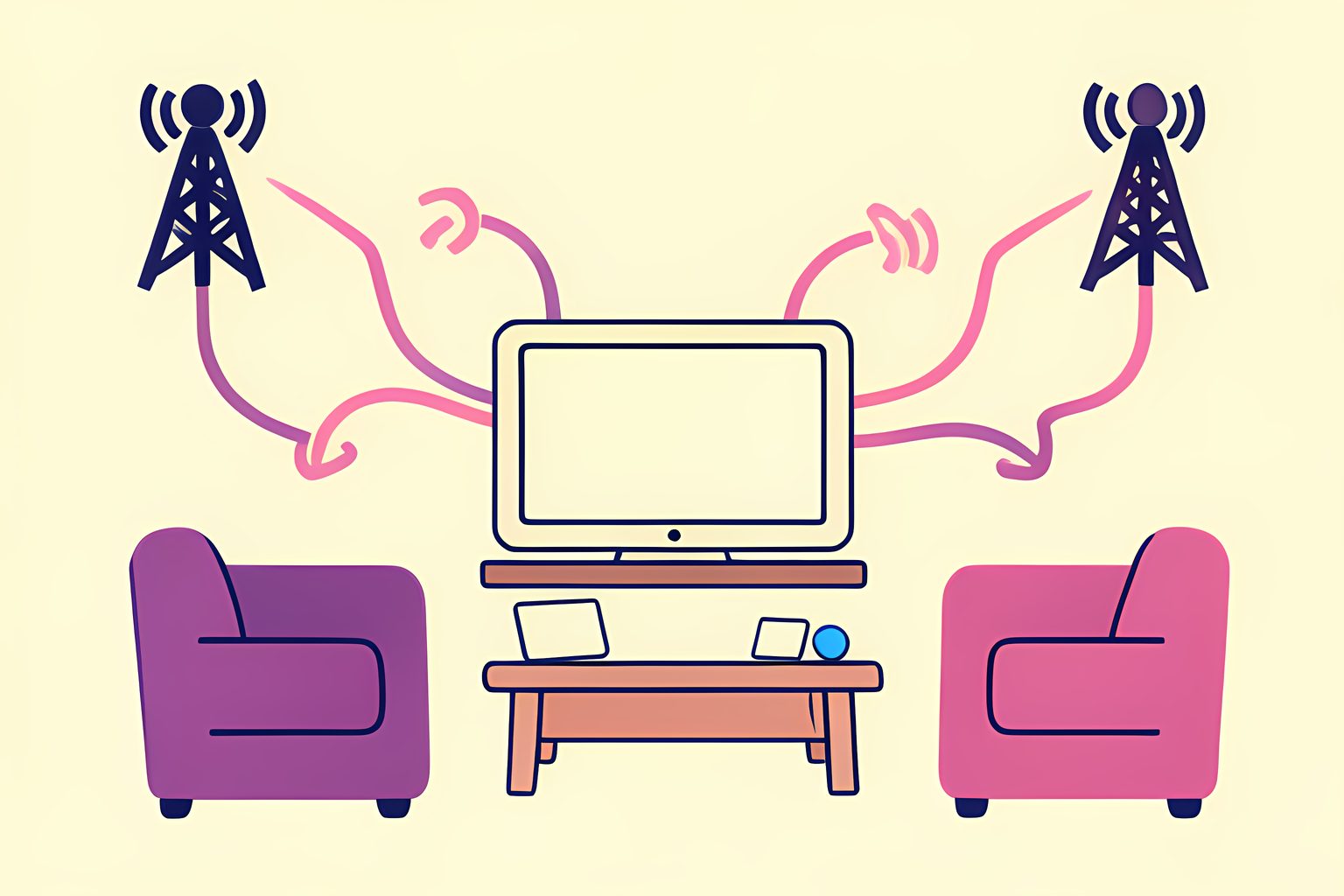
A television guide is one of the most confident-looking objects in a home. It sits there in tidy rows, as if every little tile signed a lease. I think that visual certainty is why a channel departure feels more personal than it is: the remote has not broken, and neither has the internet, but a promise that seemed solid has turned out to be a moving arrangement.
The immediate spark is a reported September 30, 2026 change involving Court TV, Tastemade and The Young Turks. Cord Cutters News published what it described as YouTube TV's subscriber notice, which says the channels will leave the live lineup and that affected recordings in members' Libraries will also be unavailable. That is useful news for those viewers. The larger question lasts longer: why can a service that charges each month change the guide at all?
A live-TV bundle is a collection of permissions
YouTube TV is a paid, streaming-only live-TV service, not a permanent purchase of a fixed shelf of channels. Its current paid-service terms say the content is unique to the service, may change at any time and can be unavailable on particular devices. The same terms say some programming can be unavailable, blacked out or replaced, and that content partners have discretion over the programming they include. I checked the wording because it is less glamorous than a channel-logo grid, but it explains the grid better than any slogan does.
That does not mean every missing program has the same cause. A channel can leave a plan, a particular live event can be restricted, an on-demand episode can rotate away, and a local station can differ from the one seen in another city. The practical point is simple: the monthly membership buys access to the service's current offering under its terms. It does not turn every feed or recording into a copy a member owns forever.
The durable part of the answer
- What the membership supplies
- Access to YouTube TV's current selected plan and its available content
- What can vary
- Networks, programs, add-ons, local stations, devices, time zones and viewing restrictions
- What a guide tile is not
- A guarantee that a channel or recording will remain available indefinitely
- Where to confirm a local lineup
- The official YouTube TV welcome page after entering the home zip code
Your zip code is part of the channel list
This is the detail people often miss while comparing a service with an old-fashioned cable package. YouTube TV says it is available throughout the United States, but its help center directs prospective members to enter a home zip code to see the networks and add-ons available in their home area. It also says networks can differ when a member is traveling. A national cable network may look like a universal part of the bundle, while local broadcast and regional sports availability follows a different map.
The guide itself is flexible in a nicer way. YouTube TV says viewers can hide networks and reorder the Live tab, and that their choices follow them across devices. I am fond of that small bit of domestic order: a service may add a channel at the bottom of the list, but a viewer can still put the handful they actually use where a tired thumb expects them. A custom guide cannot preserve a departing channel, of course. It can make the next version of the guide feel less like somebody rearranged the kitchen overnight.
The Library has rules of its own
The word DVR encourages a familiar mental picture: a box under the television holding programs until somebody deletes them. YouTube TV works differently. Its help center says members can add as many programs as they want to the Library, with no storage-space limit, and that current and upcoming airings are recorded after a program is added. But the paid-service terms say recordings may be stored for up to nine months and may be removed earlier if Google is asked to delete or remove access. Recording also may not be available for every program at a content partner's discretion.
That distinction gives the September notice its extra sting. In the reported message, the departure was not described only as three live channels leaving. It also covered content members had recorded from those channels. So the sensible rule is not to assume that every channel exit erases every recording, nor to assume that the ordinary nine-month window guarantees a recording through a specific contract change. Read the actual notice for the channel involved. It is the closest thing to an answer for that particular Library.
Why channel changes are not all service failures
It is fair for a subscriber to dislike a removal. A guide is part of the value proposition, and a channel can be somebody's quiet weeknight habit. Still, it helps to separate a true technical outage from a change in content availability. YouTube's terms reserve room for programming limits, location differences and partner decisions. Its help pages also make clear that add-on networks are separate choices, with their own availability and billing. That is the slightly unromantic machinery behind a very familiar evening ritual.
Distribution agreements can be renewed too. In a July 2026 announcement, NBCUniversal said its agreement with YouTube extended the company's distribution on YouTube TV, a public reminder that a channel lineup is made from ongoing commercial relationships rather than bolted to the wall. The announcement does not disclose the private terms of every arrangement, and neither does YouTube's current notice about the departing channels. I would not invent a reason for a specific removal where none has been confirmed.
A calmer way to read the next alert
When a lineup email arrives, start with four modest checks. Confirm the date and the exact channel name. Look for language about Library recordings rather than guessing from the live guide. Check the current local lineup with the service's zip-code tool. Then decide whether the change affects a real viewing habit or merely a logo that has been living unnoticed near the bottom of the screen. That last step is oddly freeing.
We cannot make a changing bundle behave like a shelf of purchased discs. We can read it accurately. YouTube TV's guide is a living arrangement of available programming, local rules, add-ons and licenses. Once that is clear, the cheerful little victory is getting back to the programs you genuinely care about, with the useful ones near the top and the mystery tiles no longer pretending to be permanent furniture.
Sources
Every factual claim above traces to one of these. Links open in a new tab.
- YouTube Paid Service Terms of Service
- Available locations & networks on YouTube TV
- Watch shows, sports, events, & movies on YouTube TV
- Record programs on YouTube TV
- Add or remove networks
- YouTube TV is Losing Three Channels at the End of This Month
- NBCUniversal and YouTube Announce Global Strategic Partnership